

How to Deposit Money into WanderWallet
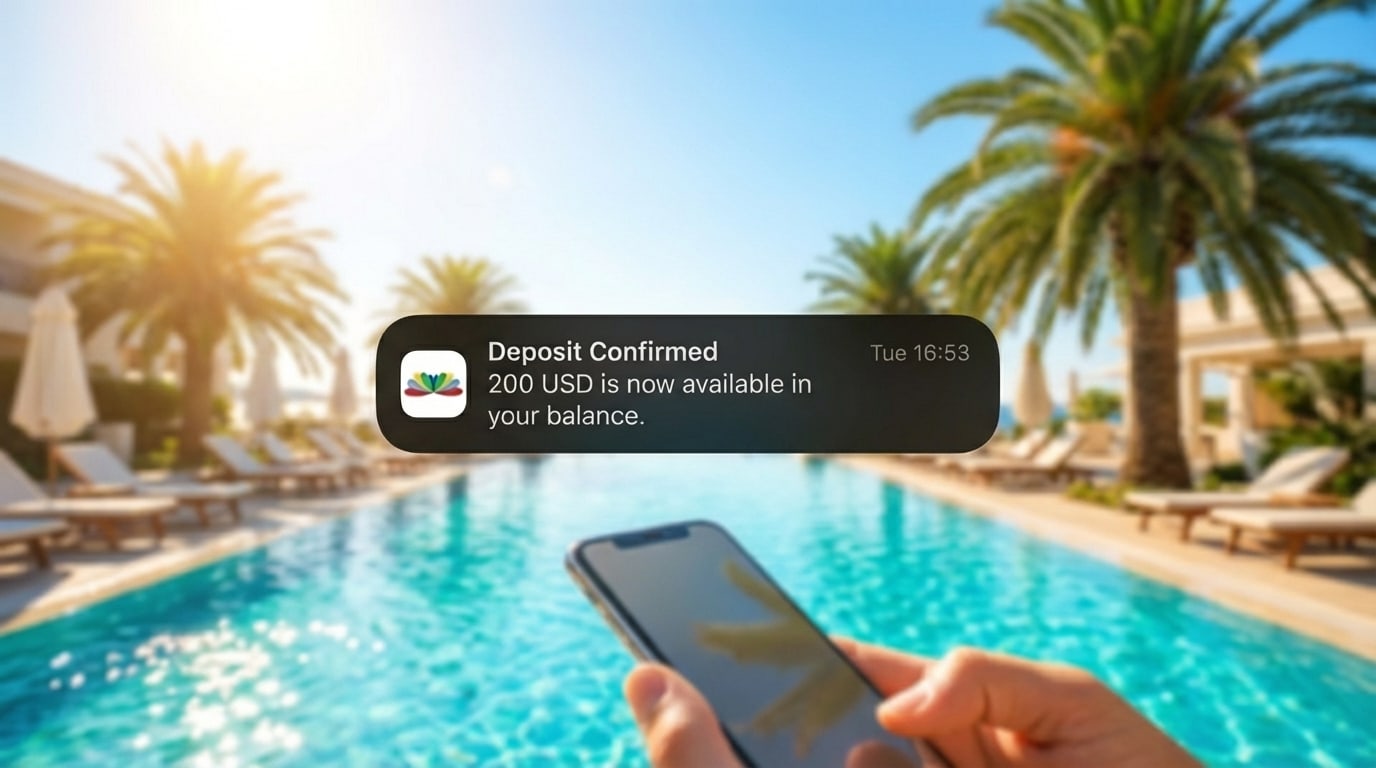
A clear, practical walkthrough of every top-up method we support. Depositing money into WanderWallet is simple once you understand which method fits your banking situation. In this guide, we break down all four available options, explain fees, share real-world tips, and help you choose the fastest and cheapest way to fund your wallet so you can spend locally in LATAM without friction.
TL;DR
You can top up your WanderWallet using bank transfer in dollars (ACH) or euros (SEPA), or USDC stablecoin on Polygon. Those are the four deposit methods supported today.
Table of Contents
- Bank Transfers (USD via ACH & EUR via SEPA)
- USDC on Polygon
- Which Deposit Method Should You Choose?
- Frequently Asked Questions
1. Bank Transfers (USD via ACH & EUR via SEPA)
These are the most common and reliable top-up methods for most users. Both options follow the same flow inside the app:
- Open WanderWallet
- Tap Deposit
- Select Set Up Bank Transfer
- Complete a short verification with our banking partner
- Receive your unique USD or EUR transfer details
- Make a transfer from your own bank to that account
1A. USD Transfers: ACH (Recommended for US Banking Users)
ACH works for banks like Chase, Wells Fargo, Bank of America, Citi, Ally, SoFi and others.
You will need to send a verification deposit to confirm the account before sending ACH for the first time.
Fees: $2 + 0.3 percent per deposit
Speed: Typically 1-3 business days depending on your bank.
1B. EUR Transfers: SEPA (Recommended for European Users)
SEPA transfers are the standard across EU-based banks and fintechs.
Fees: €1 + 0.5%
Speed: Instant to 1–2 business days depending on your bank.
Tip: Some users who only hold USD have opened a EUR balance in Wise and sent SEPA transfers instantly.
2. USDC on Polygon (Stablecoin Top-Ups)
This is the best option for users who already hold USDC or prefer fast, global settlement rails.
Requirements:
- You must send USDC (Circle) – not USDT, not bridged tokens
- You must use the Polygon network
- You have a unique WanderWallet deposit address for USDC
Fees: Free
Speed: Usually inside 1 minute
3. Which Deposit Method Should You Choose?
| You have a US bank account | ACH | Simple, cheap, reliable |
| You have a European bank or EUR balance | SEPA | Cheap and fast |
| You use Stablecoins | USDC on Polygon | Very fast + tiny network fees |
Frequently Asked Questions
What is the fastest way to deposit money into WanderWallet?
The fastest deposit method is USDC on Polygon. Tyícally credits your WanderWallet balance within a couple of minutes after confirmation. Bank transfers like ACH and SEPA are reliable but depend on banking hours and may take longer.
Do I need to complete verification before seeing my bank details?
Yes. Verification is required by regulation to ensure deposits are safely credited to your account.
Can someone else send money into my WanderWallet?
No. Deposits must come from accounts that belong to you.
Can I use Pix with Revolut or Wise?
You can top up WanderWallet using Revolut or Wise (Instant SEPA or ACH transfer) and then use WanderWallet to pay Pix, Mercado Pago and QR codes across Argentina and Brazil.
How long do deposits take?
- ACH: 1-3 business days
- SEPA: Instant to 1–2 business days
- USDC (Polygon): 1 minute
Is there a minimum top-up amount?
No official minimum, although your bank may have its own limits.
Are stablecoins mandatory?
No. USDC is simply an additional fast-settlement option for users who prefer blockchain.
Ready to Start Paying with QRs or Pix?
Download WanderWallet and pay like a local.


About the Author

Gabriel Otero
Gabriel is the co-founder of WanderWallet. Proudly Argentinian and based in Brazil, he brings years of experience in the payment processing industry to building seamless local payment access for travelers across Latin America.