

How to Use iFood in Brazil as a Foreigner (2026 Guide)
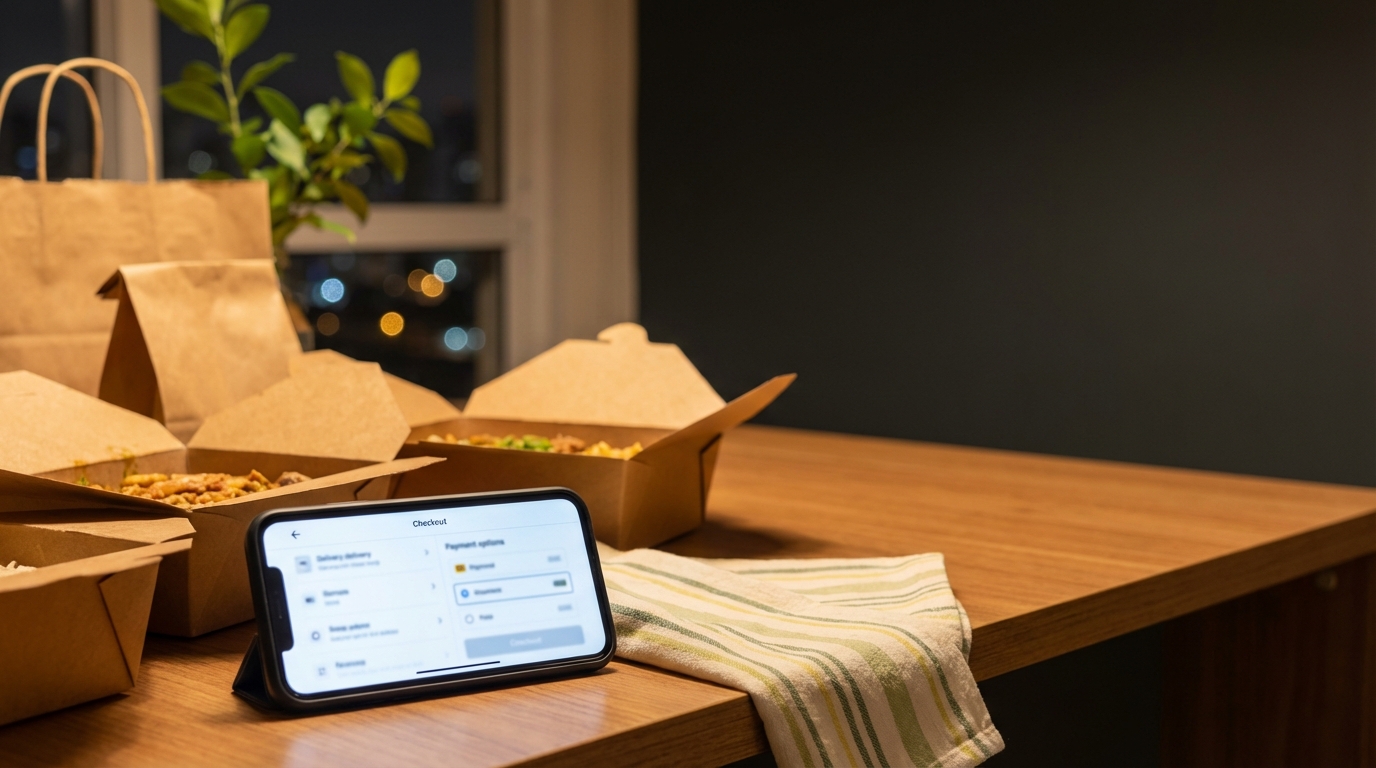
If your foreign card keeps failing on iFood, stop retrying card checkout and switch to a Pix payment flow when available. For many travelers, that is the most practical workaround.
Why Foreign Cards Fail on iFood
iFood is optimized for local payment methods. Some international cards pass, some fail, and the result can change between orders. Likely causes include issuer risk checks and cross-border fraud controls. From a traveler perspective, it can feel inconsistent.
What Actually Works: Pay Like a Local With Pix
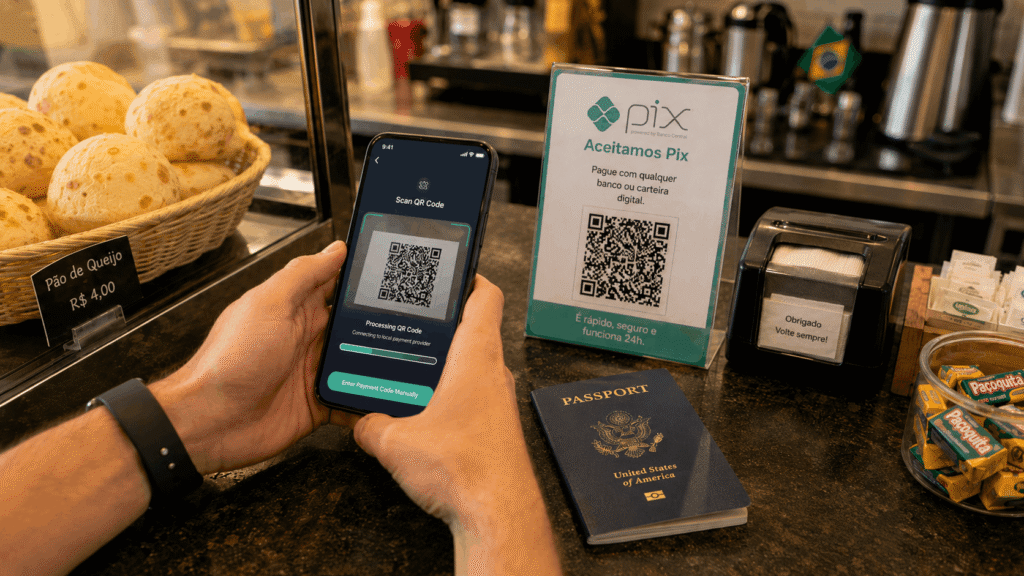
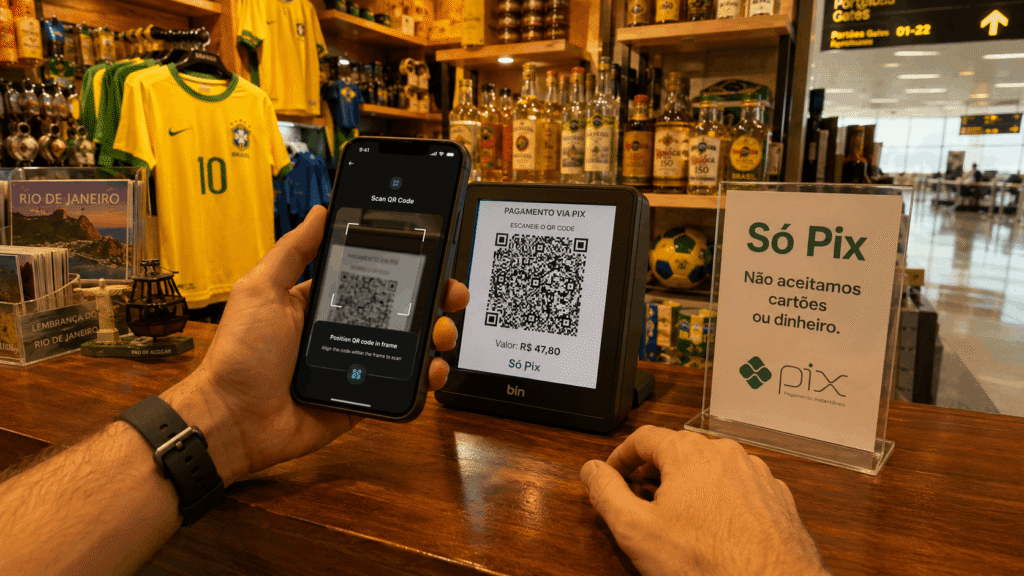
Pix is widely used in Brazil. When iFood offers Pix at checkout, paying through local rails can be more reliable than retrying foreign cards. WanderWallet gives international users a practical way to complete that payment with amount visibility before confirmation. If you want the broader context first, start with Pix for Foreigners: What Actually Works.
Step-by-Step: Order iFood Without a Foreign Card
- Set Up WanderWallet and complete verification before ordering.
- Add Balance before checkout so you can confirm instantly.
- Place Your iFood Order as usual.
- Choose Pix at Checkout (When Available), then complete payment by scanning the Pix QR code or pasting the Pix code in WanderWallet.
- Review and Confirm the final amount before payment.
If you are new to local payment behavior in Brazil, read Money and Pix for Foreigners in Brazil before your first order so the flow is familiar.
Common iFood Checkout Errors (And Fixes)
- Same Card Declines Repeatedly: Stop retrying foreign card rails and switch to Pix when available.
- Rushed First Setup: Complete account and balance prep before you are ordering food.
- Payment Option Missing: Not every checkout screen is identical. Try another merchant or retry later.
- Amount Confusion: Always check final amount before confirmation.
If your issue is document-related, this guide explains the practical reality without overcomplicating things: How to Get a CPF in Brazil as a Foreigner (Or Skip It). If you want a quick comparison of why local rails outperform card retries, see Pix vs Credit Card in Brazil.
Get Started
If iFood keeps rejecting your foreign card, try a local-rail Pix checkout when available. Set up your account and add funds before you get hungry, then use Pix checkout when you place the order. You can start directly here: wanderwallet.io/brazil.
Frequently Asked Questions
Can Tourists Use iFood in Brazil?
Yes. Tourists can use iFood, but foreign card approval is inconsistent, so payment method matters.
Can I Pay iFood With Pix as a Foreigner?
Yes, with the right setup. WanderWallet is designed to help international users pay through local rails like Pix.
Do I Need a Brazilian Phone Number for iFood?
A reachable number is recommended for delivery coordination.
Can I Use iFood on Web Browser Instead of the App?
In some cases yes, but app flow is usually smoother. Availability can vary by region and account context.
What If Pix Is Not Available at Checkout?
Not every checkout presents the same options. Try another merchant, retry later, or use the available payment route in your current flow.
Ready to Order on iFood with Pix?
Download WanderWallet and pay like a local in Brazil.


About the Author

Milo
Milo writes about the stuff nobody tells you before you land: why your card gets declined, where cash still rules, and how to actually pay for things without getting ripped off. He's WanderWallet's resident payment nerd.